
Introduction: Why an SEO Audit Is Important
An SEO audit is like a health checkup for your website. Even if your site looks good, hidden issues can hurt rankings, traffic, and conversions.
A proper SEO audit helps you:
Identify ranking issues
Fix technical problems
Improve content quality
Boost website speed
Increase organic traffic
Whether you run a business website, blog, or startup platform, regular SEO audits are essential for long-term growth.
If you’re new to SEO, start with our beginner guide:
👉 SEO Basics for Business Owners
https://zaidapp.com/blog/category/search-engine-optimization
What Is an SEO Audit?
An SEO audit is a complete analysis of how well your website follows search engine best practices. It covers:
Technical SEO
On-page SEO
Content quality
Website performance
User experience
Backlinks
The goal is to find problems and opportunities to improve rankings.
Step 1: Check Website Indexing & Crawlability
Before anything else, make sure Google can find and index your pages.
How to Check
Search on Google:
site:yourwebsite.comUse Google Search Console
What to Look For
Missing pages
Duplicate pages
Indexed pages you don’t want visible
Fix:
Robots.txt errors
Noindex tags
Broken URLs
Step 2: Analyze Technical SEO Issues
Technical SEO forms the foundation of your site.
Key Technical SEO Elements
HTTPS (SSL certificate)
Mobile-friendliness
XML sitemap
Clean URL structure
No broken links
Google prefers websites that are secure, fast, and accessible.
You can explore performance-related issues in detail here:
👉 How to Improve Website Speed & Core Web Vitals
https://zaidapp.com/blog/category/search-engine-optimization
Step 3: Test Website Speed & Core Web Vitals
Website speed is a major ranking factor.
Core Web Vitals Metrics
LCP (Largest Contentful Paint) – Loading speed
INP (Interaction to Next Paint) – Responsiveness
CLS (Cumulative Layout Shift) – Visual stability
Tools to Use
Google PageSpeed Insights
Lighthouse
GTmetrix
Slow websites lose users and rankings.
Step 4: Check Mobile-Friendliness
Google uses mobile-first indexing, meaning your mobile site matters most.
What to Check
Responsive design
Font readability
Button spacing
Mobile page speed
Use Google’s Mobile-Friendly Test to identify issues.
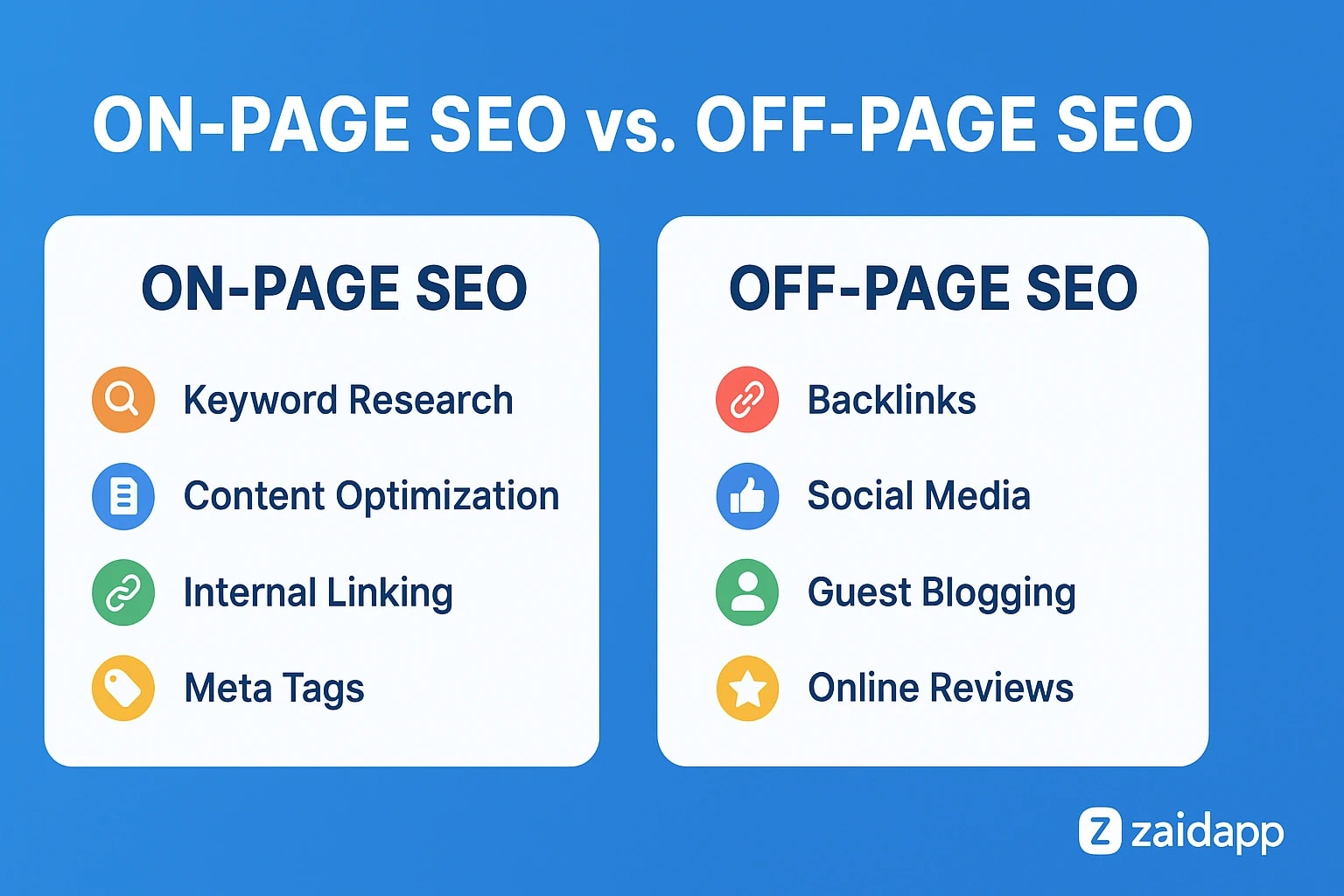
Step 5: Audit On-Page SEO Elements
Each page should be optimized individually.
On-Page SEO Checklist
Title tags (unique & keyword-focused)
Meta descriptions
Proper heading structure (H1–H3)
Image alt text
Internal links
SEO-friendly URLs
On-page SEO helps search engines understand your content clearly.
Step 6: Review Content Quality & Relevance
Content quality is one of Google’s top ranking factors.
Check Your Content For
Originality
Search intent match
Keyword placement (natural)
Readability
Up-to-date information
Low-quality or thin content should be:
Improved
Merged
Updated
Removed
For content strategy, also read:
👉 Monthly SEO Checklist: Steps to Keep Your Rankings High
https://zaidapp.com/blog/category/search-engine-optimization
Step 7: Analyze Keyword Optimization
Ensure your pages target the right keywords.
What to Check
One primary keyword per page
Relevant secondary keywords
Keyword placement in title, headings & content
Avoid keyword stuffing
Keyword relevance improves ranking accuracy.
Step 8: Check Internal Linking Structure
Internal links help Google crawl and rank pages better.
Best Internal Linking Practices
Link to related articles
Use descriptive anchor text
Avoid orphan pages
Build topic clusters
Example:
SEO articles linking to Core Web Vitals, SEO Basics, and Keyword Research
This improves topical authority.
Step 9: Audit Backlinks & Off-Page SEO
Backlinks remain an important ranking factor.
Check
Number of backlinks
Domain authority
Spammy links
Anchor text distribution
Tools
Ahrefs
SEMrush
Google Search Console
Disavow toxic links if needed.
Step 10: Identify Duplicate Content Issues
Duplicate content confuses search engines.
Fix Using
Canonical tags
301 redirects
Proper pagination
Avoid publishing similar content without optimization.
Step 11: Review User Experience (UX)
Good UX improves SEO indirectly.
UX Factors
Easy navigation
Clear menus
Low bounce rate
Fast loading
Readable content
UX improvements often lead to higher rankings and conversions.
For UX-related insights, explore:
👉 UI/UX Design Category
https://zaidapp.com/blog/category/ui-ux
Step 12: Use SEO Audit Tools
Recommended Tools
Google Search Console
Google Analytics
Ahrefs
SEMrush
Screaming Frog
Tools help automate and simplify SEO audits.
How Often Should You Do an SEO Audit?
Small websites: Every 6 months
Medium websites: Every 3–4 months
Large websites: Monthly
Regular audits prevent ranking drops.
Common SEO Audit Mistakes to Avoid
Ignoring mobile SEO
Focusing only on keywords
Skipping technical issues
Not fixing broken links
Forgetting internal linking
Conclusion: SEO Audits Are the Key to Long-Term Growth
An SEO audit is not a one-time task — it’s an ongoing process. Regular audits help you stay ahead of competitors, adapt to Google updates, and improve user experience.
By following this step-by-step guide, you can identify issues, fix them, and build a strong SEO foundation for your website.
Explore more SEO insights at:
👉 ZaidApp SEO Blog
https://zaidapp.com/blog/category/search-engine-optimization



Comments
No comments yet. Be the first to comment!